
GE Ultrasound Feature
Auto Processing
WorkflowAuto Processing on GE Invenia ABUS automatically starts image processing after a configurable time delay, removing the need for the clinician to manually press the Process button on the touch panel. During Automated Breast Ultrasound scans, this hands-free trigger keeps the acquisition-to-processing workflow moving without operator intervention. The delay is adjustable through the AFI Auto Processing parameter, so clinicians can set the timing to match their preferred workflow pace. Auto Processing can be disabled when manual control over processing timing is preferred.

Key Benefits
Why Auto Processing matters
Removes a manual step from every ABUS acquisition
The system triggers image processing automatically after a configurable delay. Over the course of a full screening day, eliminating this repeated button press saves cumulative time and reduces workflow interruptions.
Adjustable timer maintains operator control
The processing delay is configurable, giving clinicians enough time to review the acquisition before processing starts. If an acquisition needs to be repeated, they can intervene before the timer expires.
Keeps both hands free during scanning
Without Auto Processing, the clinician must reach for the touch panel to tap Process after each acquisition. With it enabled, they can stay focused on patient positioning and probe handling.
Supports high-volume breast screening throughput
In busy breast screening programs running 20-30 ABUS exams per day, the cumulative time saved by automating the process trigger adds up. Every eliminated step contributes to keeping the schedule on track.
About Auto Processing
Auto Processing is a workflow automation feature specific to GE's Invenia ABUS. During an ABUS scan, the system acquires a full volume of breast tissue data. After acquisition, the raw data needs to be processed before it can be reviewed. Without Auto Processing enabled, the clinician must manually tap the Process button on the touch panel to start this step. With Auto Processing active, the system waits a set number of seconds after acquisition completes and then begins processing automatically. This removes one manual interaction from a workflow that is already designed to be highly automated. The configurable delay gives clinicians time to verify the acquisition quality before processing begins. If the acquisition needs to be repeated, the clinician can intervene before the auto-processing timer expires. For high-volume breast screening programs where throughput matters, Auto Processing eliminates a small but repeated friction point that adds up across dozens of daily exams.
Availability
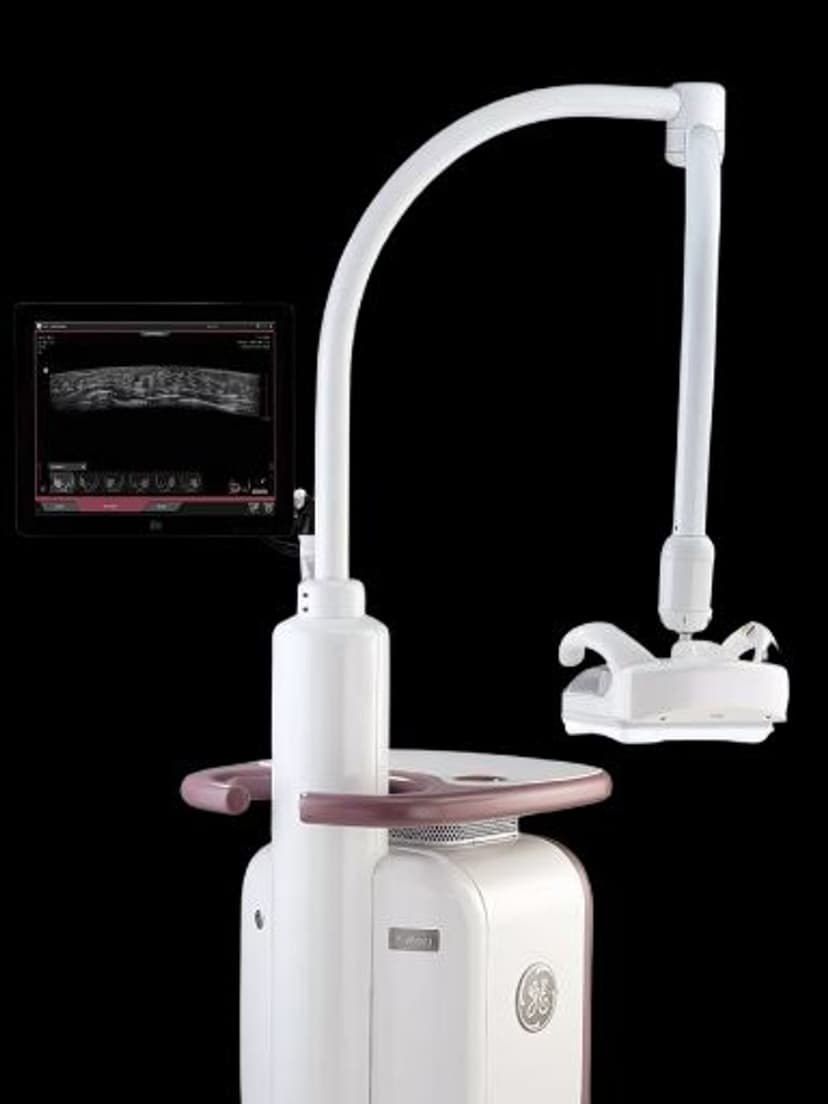
Available on these systems
Our Partners


















Want Auto Processing in your practice?
Request a quote for a system that includes this feature.