
GE Ultrasound Feature
EZ Imaging
WorkflowEZ Imaging is GE's automated image optimization feature on LOGIQ systems. With a single button press, the system analyzes the current B-mode image and adjusts gain, time-gain compensation, depth, and focal zone positioning to produce an optimized image for the anatomy on screen. This replaces the iterative manual process of adjusting multiple parameters individually, which typically takes 15–30 seconds per view and varies significantly between operators. EZ Imaging is available on the LOGIQ Totus and LOGIQ Fortis, where it helps maintain image quality consistency in departments with sonographers of varying experience levels.

Key Benefits
Why EZ Imaging matters
One button replaces four or five manual adjustments
EZ Imaging adjusts gain, TGC, depth, and focal zones simultaneously. Instead of cycling through individual controls for each parameter, the operator presses one button and gets an optimized image. This reduces per-view setup time from 15–30 seconds to under 2 seconds.
Consistent image quality regardless of operator experience
New sonographers and experienced veterans produce comparable image quality when EZ Imaging handles the baseline optimization. This is particularly valuable in teaching hospitals and multi-site practices where operator skill levels vary.
Works with custom presets for department-specific workflows
Departments can configure exam-specific starting presets and layer EZ Imaging on top for fine-tuning. This combines institutional preferences with automated optimization, so the system works the way the department wants while still correcting for scan-to-scan variation.
Faster exams in high-throughput imaging departments
When every view in a multi-view protocol saves 10–20 seconds of manual optimization, the cumulative time savings across a full day of exams adds up. For LOGIQ-equipped radiology departments running 20+ exams per day, EZ Imaging contributes directly to schedule capacity.
About EZ Imaging
EZ Imaging works by analyzing the pixel data in the current B-mode image frame, identifying tissue boundaries, and calculating optimal parameter values. The algorithm evaluates the overall brightness distribution, tissue depth, and signal-to-noise characteristics to determine the best gain curve, focal zone placement, and depth setting. When the operator presses the EZ Imaging button, these adjustments apply simultaneously in a single update. The feature is distinct from auto-optimization tools that adjust only one parameter at a time. By correcting gain, TGC, depth, and focus together, EZ Imaging saves the operator from cycling through multiple controls. It also supports preset customization, so departments can save preferred starting configurations for specific exam types and then apply EZ Imaging on top of those presets for fine-tuning. The practical impact is most visible in high-throughput departments where multiple sonographers share the same system. Rather than each operator spending time manually optimizing to their preference, EZ Imaging establishes a consistent image quality baseline, reducing inter-operator variability and improving report-to-report consistency.
Availability
Available on these systems
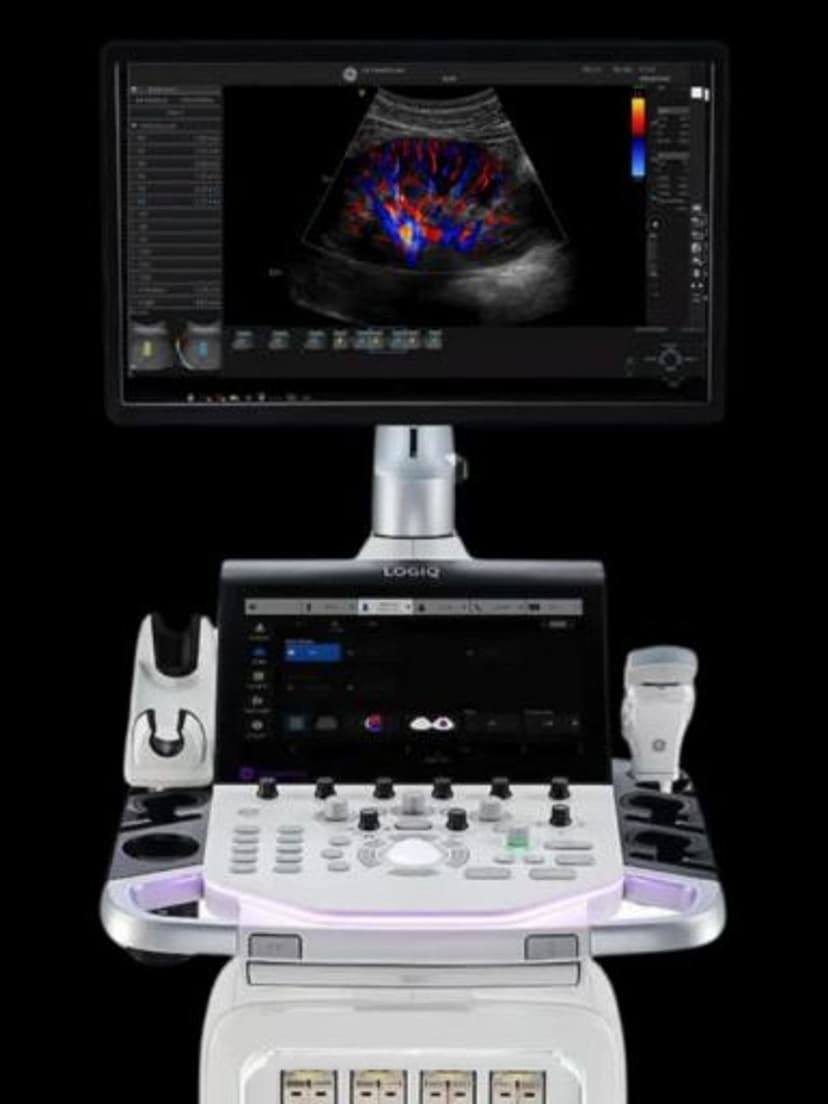
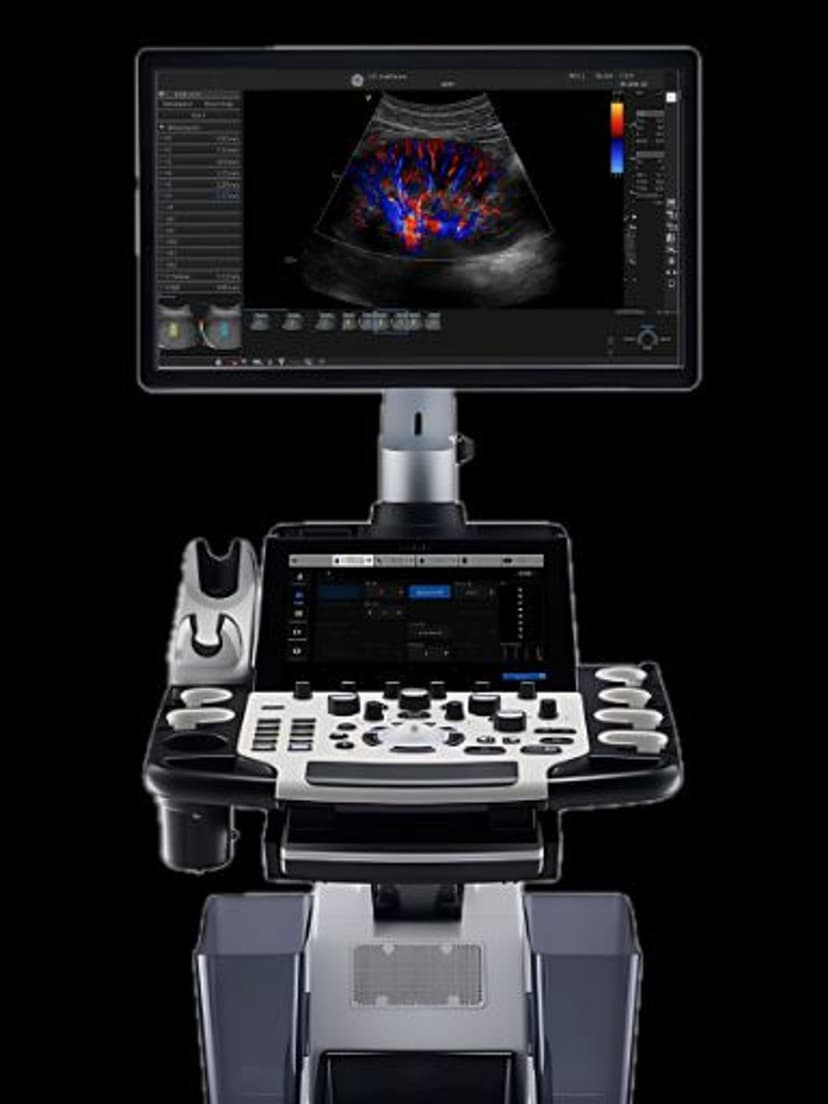
Our Partners
















Want EZ Imaging in your practice?
Request a quote for a system that includes this feature.