GE Ultrasound Feature
Remote Control
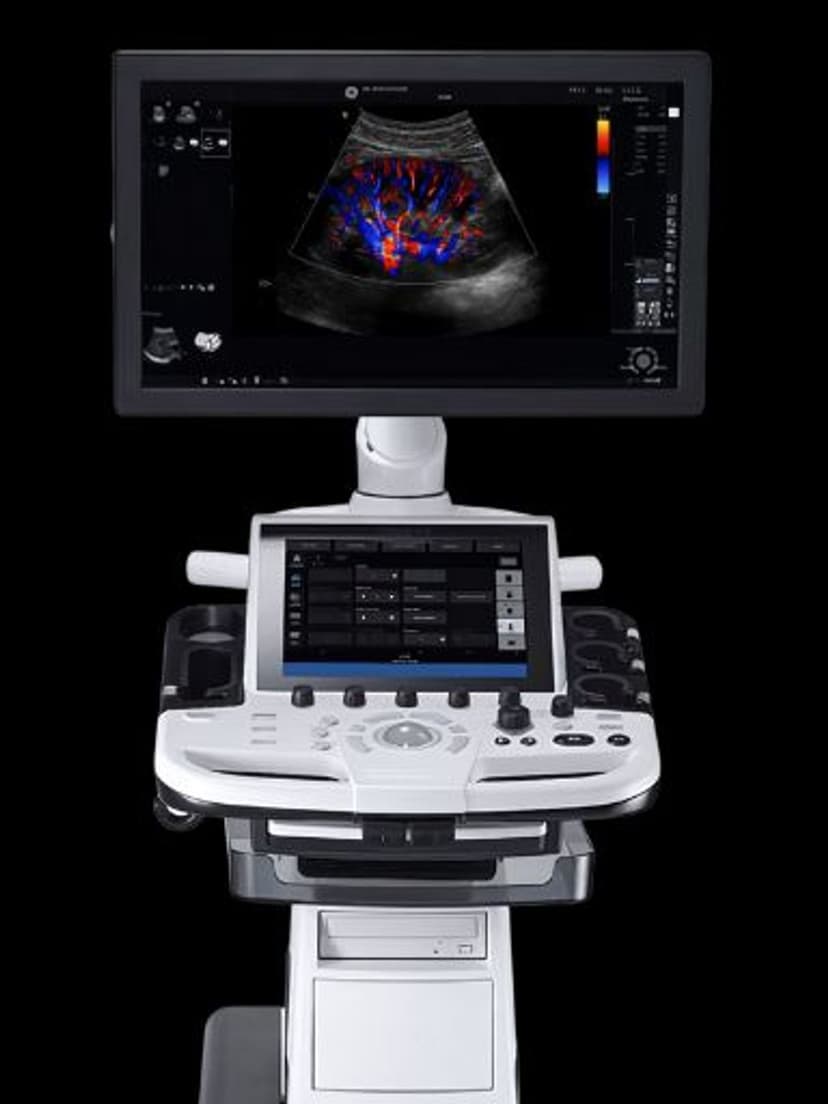
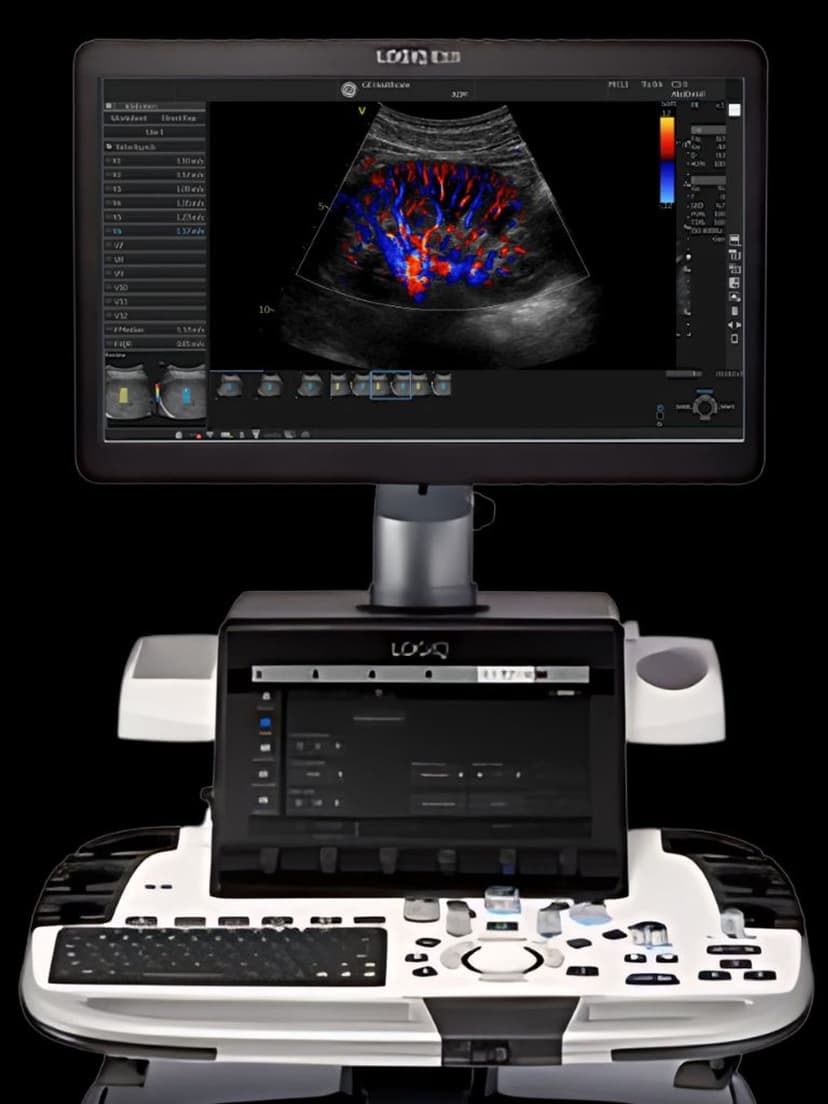
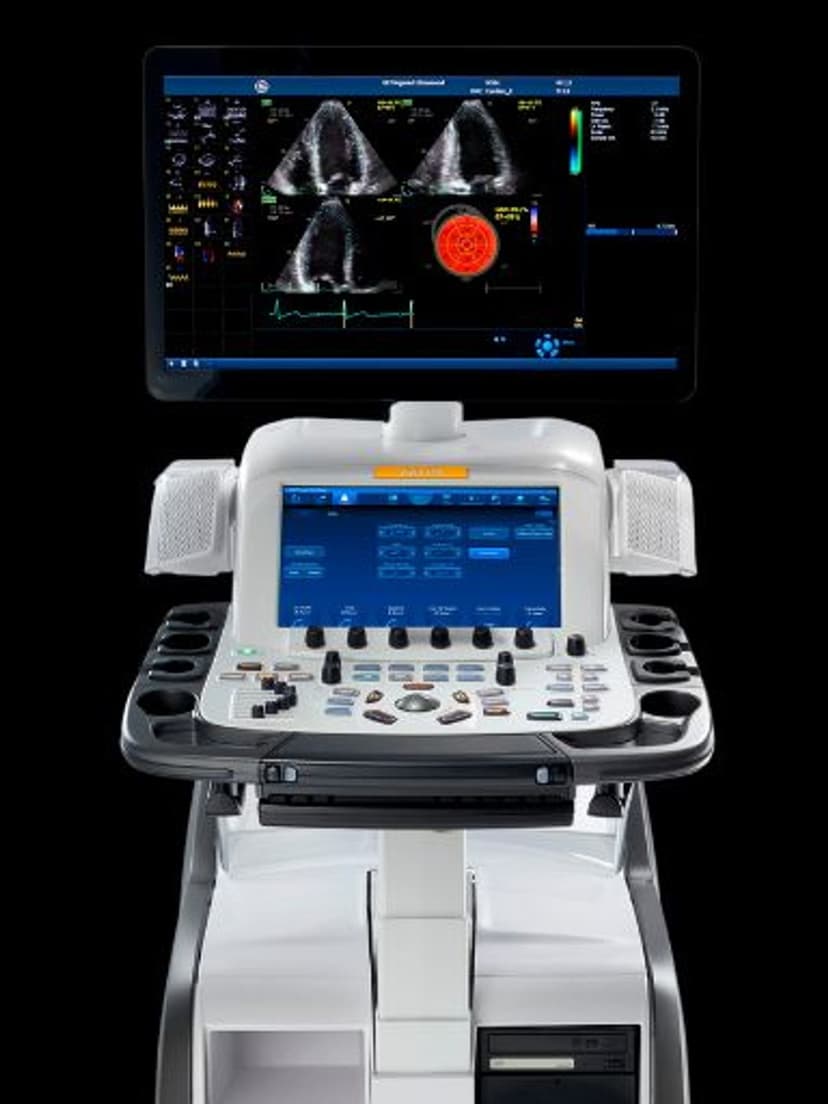
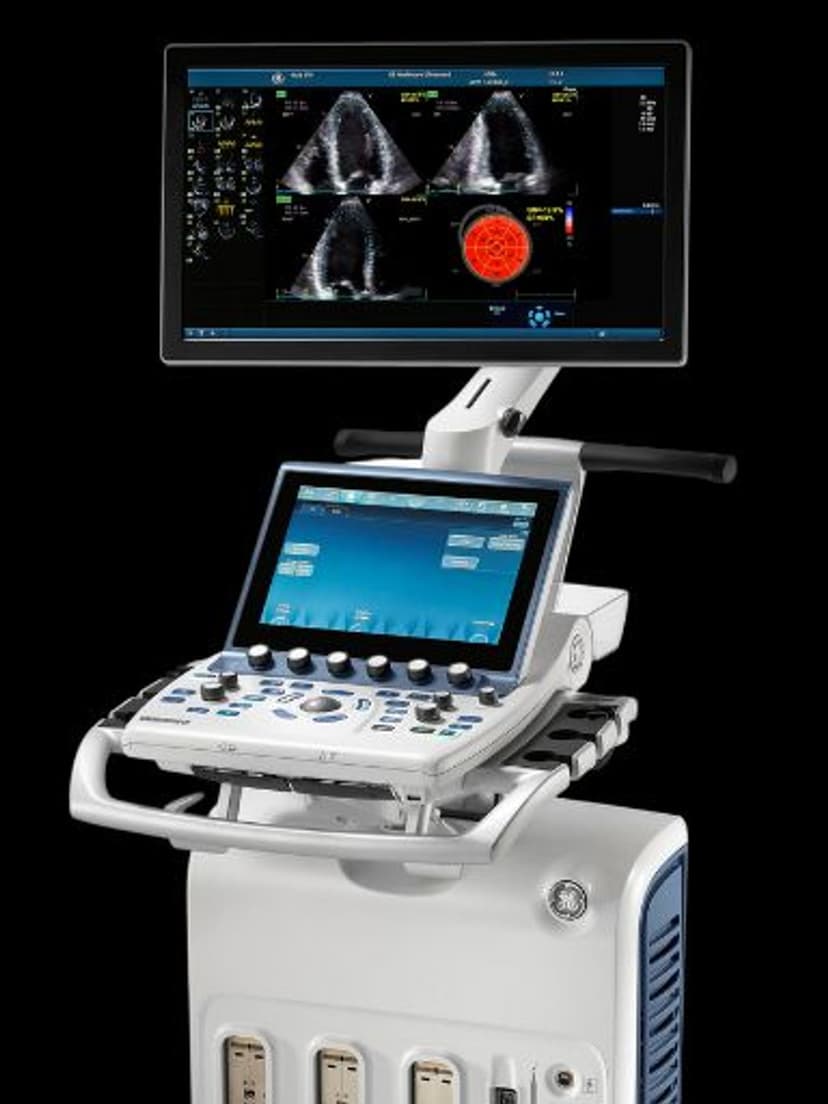
WorkflowRemote Control adds mobile-device operation to the LOGIQ P9, LOGIQ P10, and LOGIQ E10 console systems. A paired tablet or phone lets the clinician adjust imaging parameters, capture frames, and review saved clips from any position in the exam room without reaching back to the cart's keyboard. The feature is meant for workflows where the operator needs both hands on the patient or on a procedure — guided injections, sterile field imaging, bedside critical care — and the traditional console reach becomes an ergonomic or contamination problem. General imaging departments running LOGIQ consoles can extend the existing system with a mobile pairing rather than buying separate handheld units.

Key Benefits
Why Remote Control matters
Extends a LOGIQ console without buying a second system
Practices that already own a LOGIQ P9, P10, or E10 get remote operation through a software pairing rather than a second capital purchase for handheld coverage. Existing probes, protocols, and archive paths stay in place.
Fixes the reach problem for mixed operator heights
Sonographers of different statures constantly adjust cart height, keyboard position, and monitor tilt. A mobile control surface held in the hand removes that negotiation entirely, because the operator holds the controls wherever their body happens to be standing during a scan.
Supports side-by-side teaching during live scans
A senior sonographer teaching a junior or a resident can angle the tablet toward the learner while imaging continues on the console monitor. Both see the image at the same time, and the trainee can watch the instructor's hand movements on the control surface without crowding the console station.
Retains the console's full image quality
The beamformer, front-end electronics, and reconstruction pipeline all run on the LOGIQ console itself. The mobile device is a control surface, not an imaging endpoint, so remote operation trades no image quality for mobility.
About Remote Control
The remote connection uses hospital Wi-Fi with authenticated device pairing, so only sanctioned tablets and phones can control a given console during an exam. Controls on the mobile side mirror the most frequently used functions from the console: depth, gain, TGC, focus, freeze, and clip capture. More advanced operations such as measurement packages and report generation remain on the console display where a larger screen is actually useful. The split matters in clinical practice: the clinician manages the live exam from whatever position the patient geometry requires, then returns to the console to finalize measurements and approve the report. For procedures performed under sterile drape, a mobile device wrapped in a sterile sleeve takes the console keyboard out of the contamination map entirely. The console keeps its role as the archival and reporting endpoint while the imaging interaction moves to the operator's hand.
Our Partners





Want Remote Control in your practice?
Request a quote for a system that includes this feature.