
GE Ultrasound Feature
Scribble
WorkflowScribble is GE's on-screen annotation feature for touchscreen-equipped ultrasound machines. Clinicians draw freehand markings, arrows, text, and labels directly onto the live or frozen ultrasound image using a finger or stylus. Annotations are stored as part of the image file and can be included in DICOM exports and clinical reports. Scribble is built for fast, visual communication during exams. Mark a region of concern, label an anatomical landmark, or highlight a finding for a colleague or trainee without leaving the scanning workflow.

Key Benefits
Why Scribble matters
Mark findings directly on the image during the exam
Circle a region of concern, draw an arrow to a subtle finding, or label an unexpected structure without stopping the scan or switching to a separate documentation system. The annotation lives on the image itself.
Faster clinical communication between team members
A visual markup is clearer than a typed description. When sending images to a referring physician or discussing a case with a colleague, annotated images reduce ambiguity about which structure or finding is being referenced.
Annotations saved with DICOM export and reports
Markups are embedded in the image file and persist through storage, DICOM transfer, and report generation. The annotations remain visible whenever the image is opened, providing permanent visual documentation of clinical observations.
Real-time teaching tool for training environments
Supervising physicians can annotate images during live scanning sessions to label anatomy, illustrate probe positioning, or highlight pathology. Trainees review the annotated images after the exam, reinforcing learning with visual context tied to actual patient cases.
About Scribble
Traditional ultrasound annotation relies on typed text labels and preset body markers, which cover routine documentation but fall short when a clinician needs to circle an area of interest, draw an arrow to a subtle finding, or sketch a quick note that does not fit predefined categories. Scribble fills this gap with freehand drawing tools accessed directly on the touchscreen. The clinician taps a button to activate annotation mode, draws on the image, and the markup is embedded in the stored image. Multiple annotation tools are available including freehand drawing, straight lines, arrows, and text input. Colors and line thickness can be adjusted for visibility against different tissue backgrounds. In teaching environments, Scribble is particularly useful for real-time instruction. A supervising physician can circle an anatomical structure, draw the expected needle trajectory for a procedure, or annotate pathology for a trainee to review later. Because annotations persist with the saved image, they remain available for post-exam review and can be included in exported reports sent to referring physicians.
Availability
Available on these systems
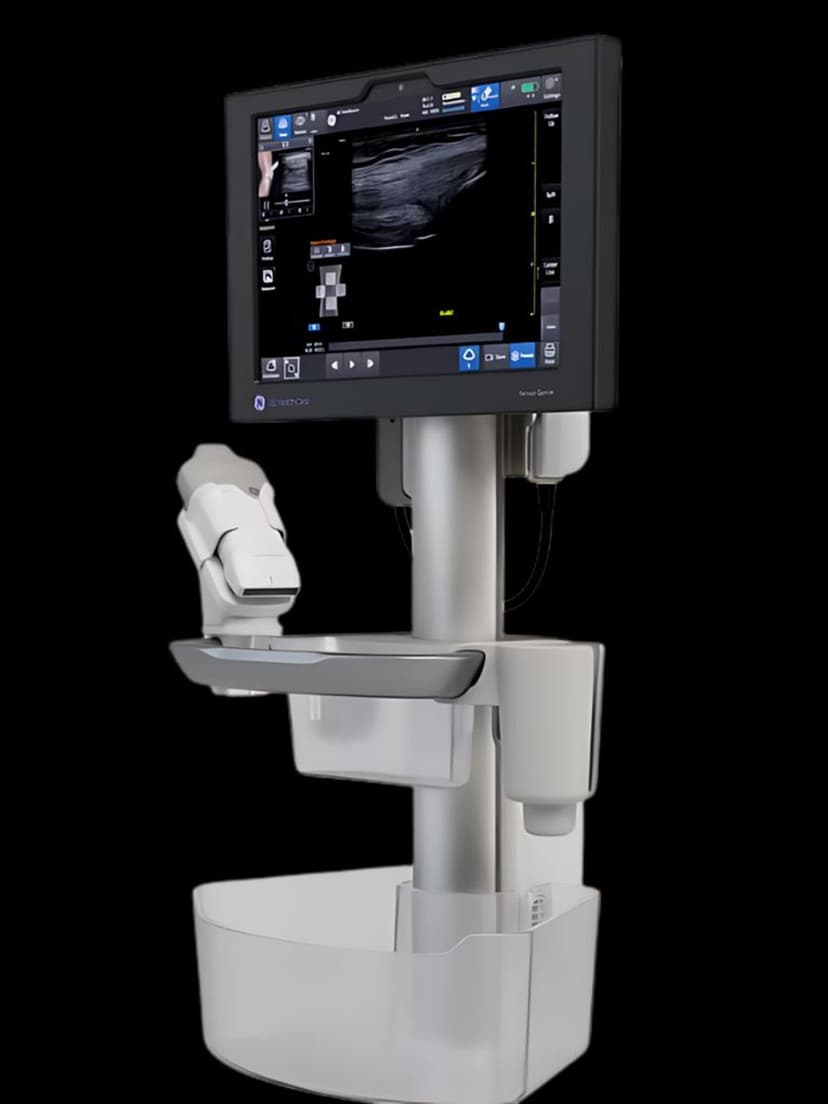
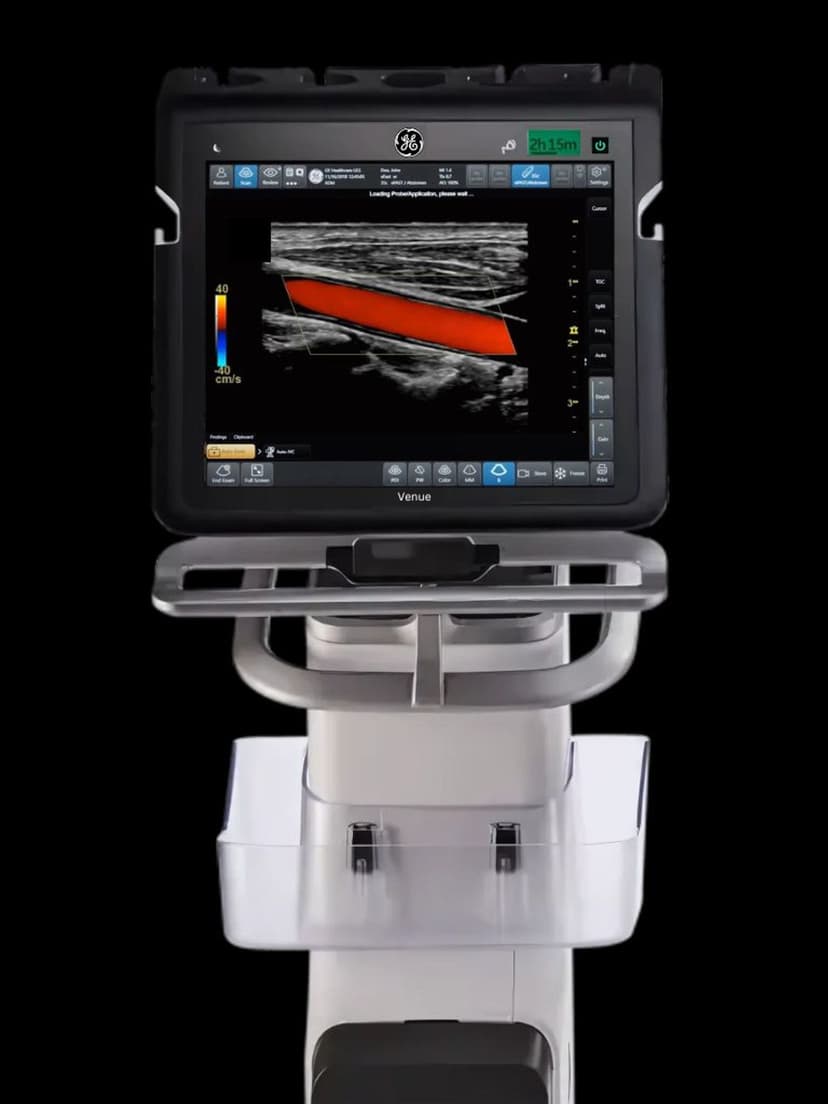
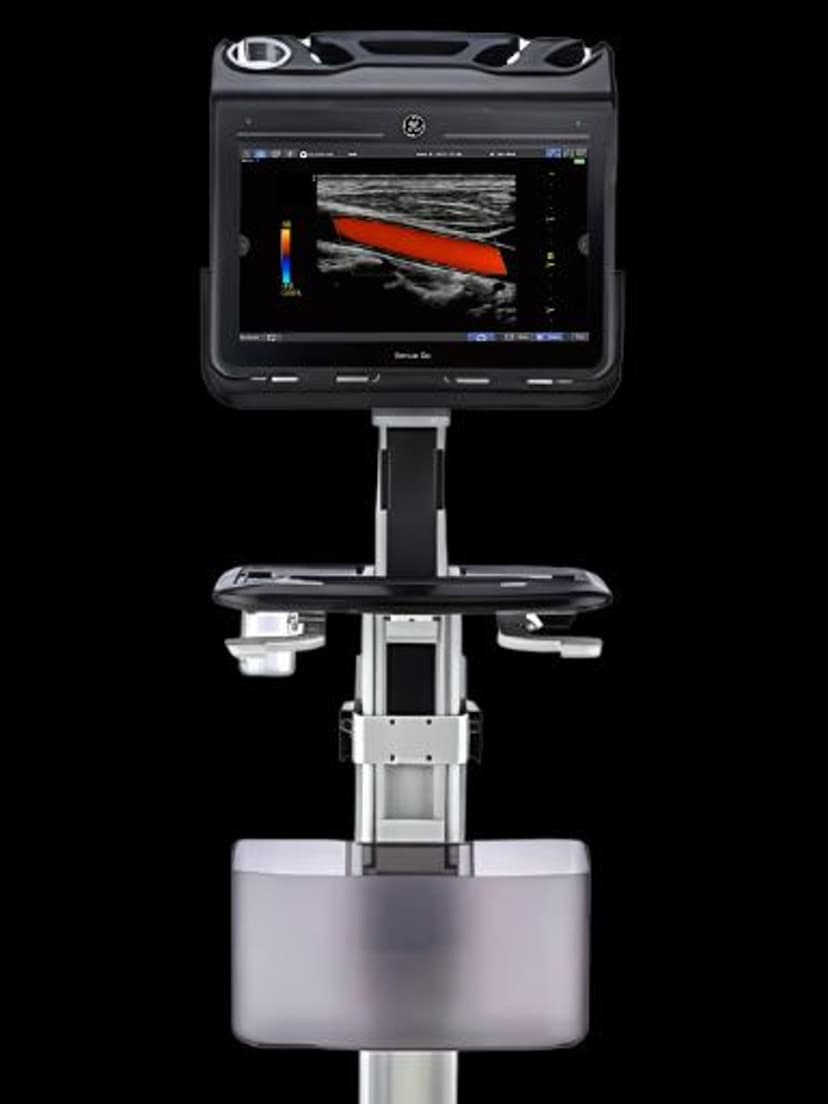
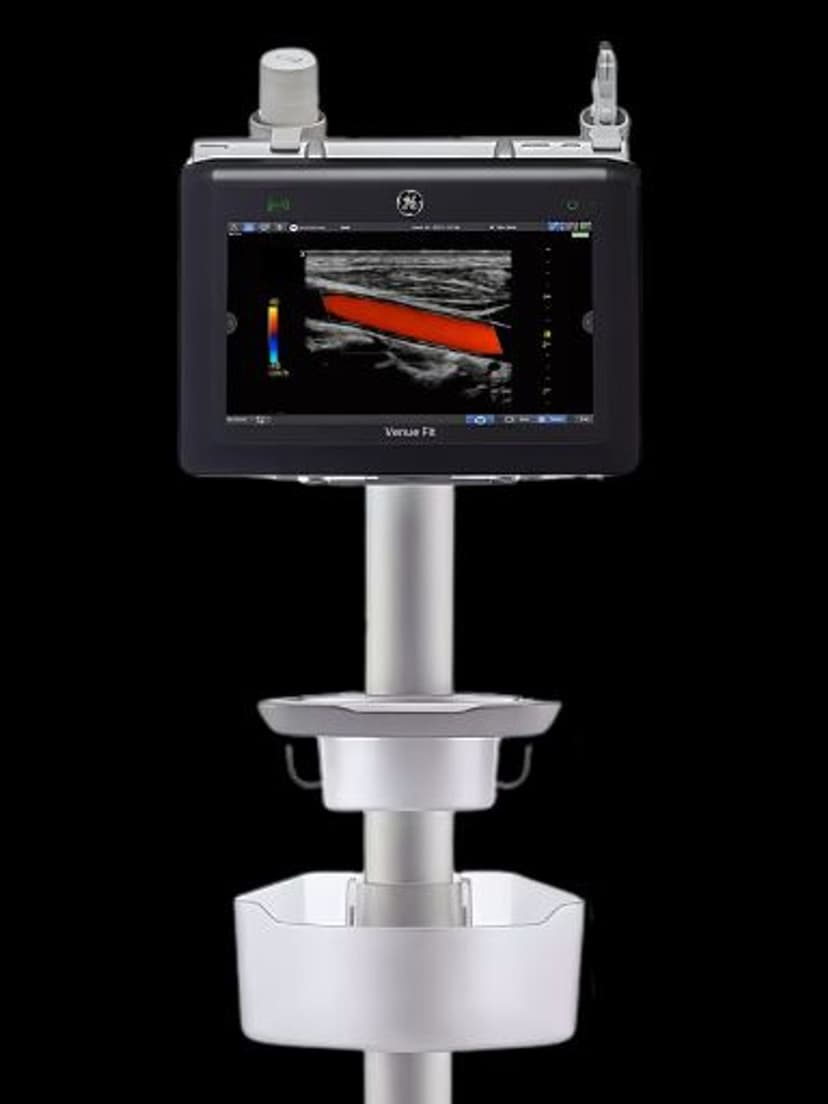
Our Partners
















Want Scribble in your practice?
Request a quote for a system that includes this feature.