
GE Ultrasound Feature
Simple Screen
WorkflowSimple Screen removes non-essential menus, indicators, and controls from the ultrasound display, leaving only the core imaging controls visible during scanning. This reduces visual clutter and shortens the time clinicians spend navigating menus or locating functions. The feature is particularly useful in emergency departments, point-of-care settings, and training environments where operators need a clean interface without the distraction of advanced options they may not use. Simple Screen does not disable features; it hides them from the default view so they can be accessed when needed without crowding the scanning display.

Key Benefits
Why Simple Screen matters
Faster image acquisition for focused exams
With fewer on-screen controls to navigate, operators reach the imaging functions they need more quickly. In emergency and critical care settings where seconds matter, a clean display eliminates menu-hunting and keeps attention on the patient.
Lower learning curve for occasional ultrasound users
Emergency physicians, hospitalists, and trainees who do not use ultrasound daily benefit from a simplified interface. Fewer visible options means less time learning the system and more time developing scanning technique.
Reduced cognitive load during high-pressure exams
A cluttered display competes for attention during critical assessments. Simple Screen eliminates visual noise so the operator can focus entirely on image interpretation and clinical decision-making.
Full functionality still accessible when needed
Simple Screen hides advanced options rather than removing them. When a more experienced operator needs access to advanced measurement or imaging tools, the full interface is available with a quick toggle, so the system serves both novice and expert users.
About Simple Screen
Simple Screen is a display mode available on select GE ultrasound machines that presents a reduced-complexity interface optimized for focused clinical exams. The system suppresses advanced menus, secondary measurement tools, and configuration options that are not required for the active scan type. Only the primary imaging controls (depth, gain, and mode selection) remain immediately visible. This design addresses a common pain point in point-of-care ultrasound: operators who use ultrasound as part of a broader clinical workflow, rather than as their primary instrument, often find full-featured interfaces slow to navigate. By presenting a simplified view, Simple Screen lowers the barrier for emergency physicians, hospitalists, and trainees who need to acquire diagnostic images quickly without spending time in unfamiliar menu hierarchies. The feature can typically be toggled on or off, so experienced sonographers can switch to the full interface when they need access to advanced tools.
Availability
Available on these systems
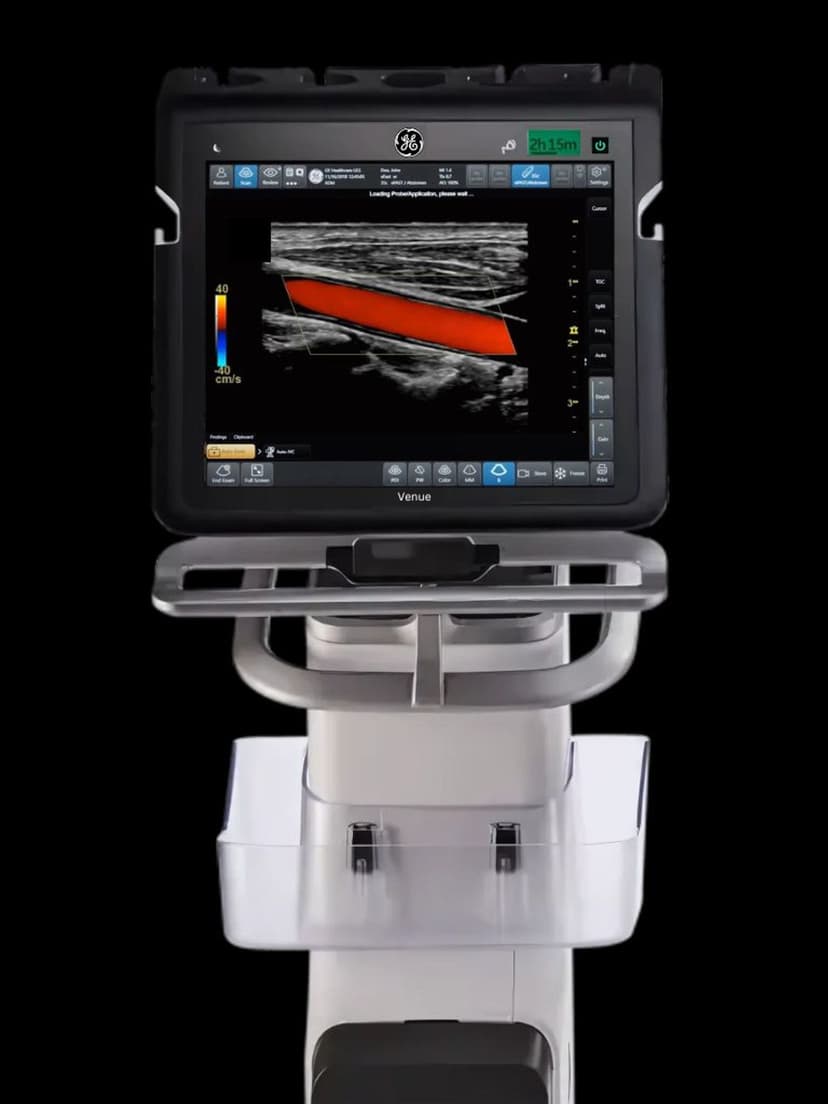
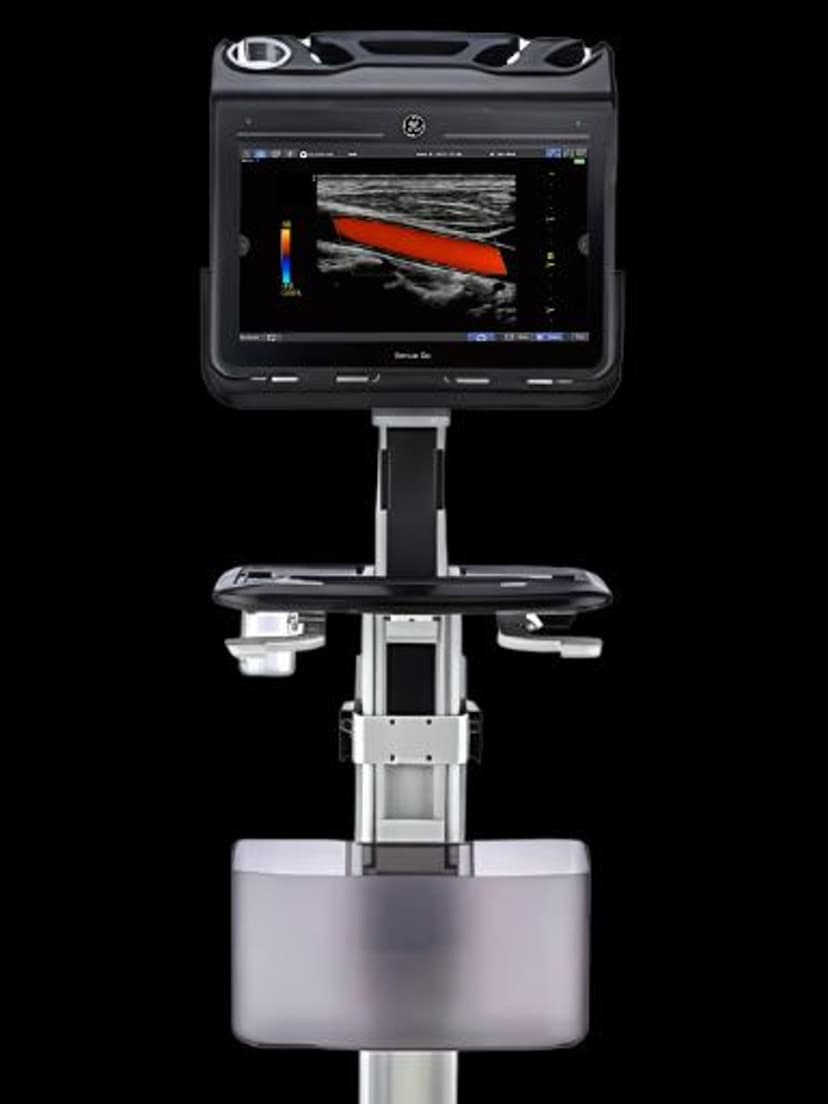
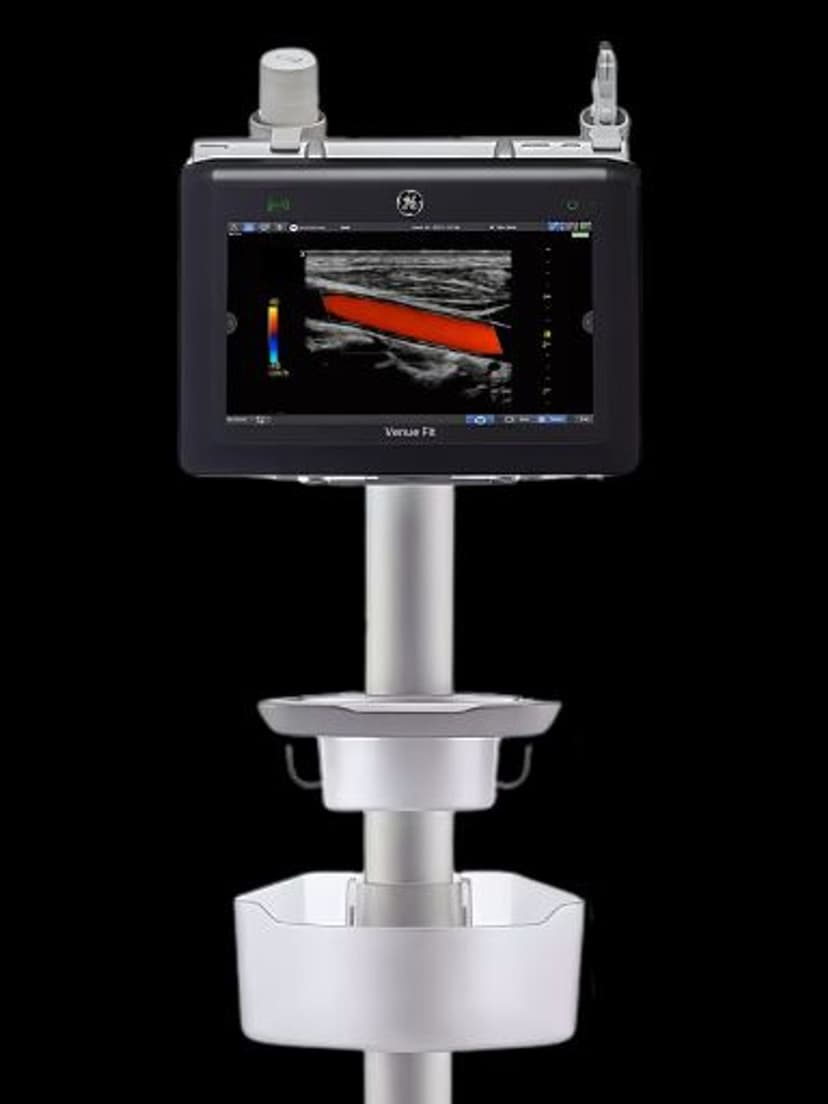
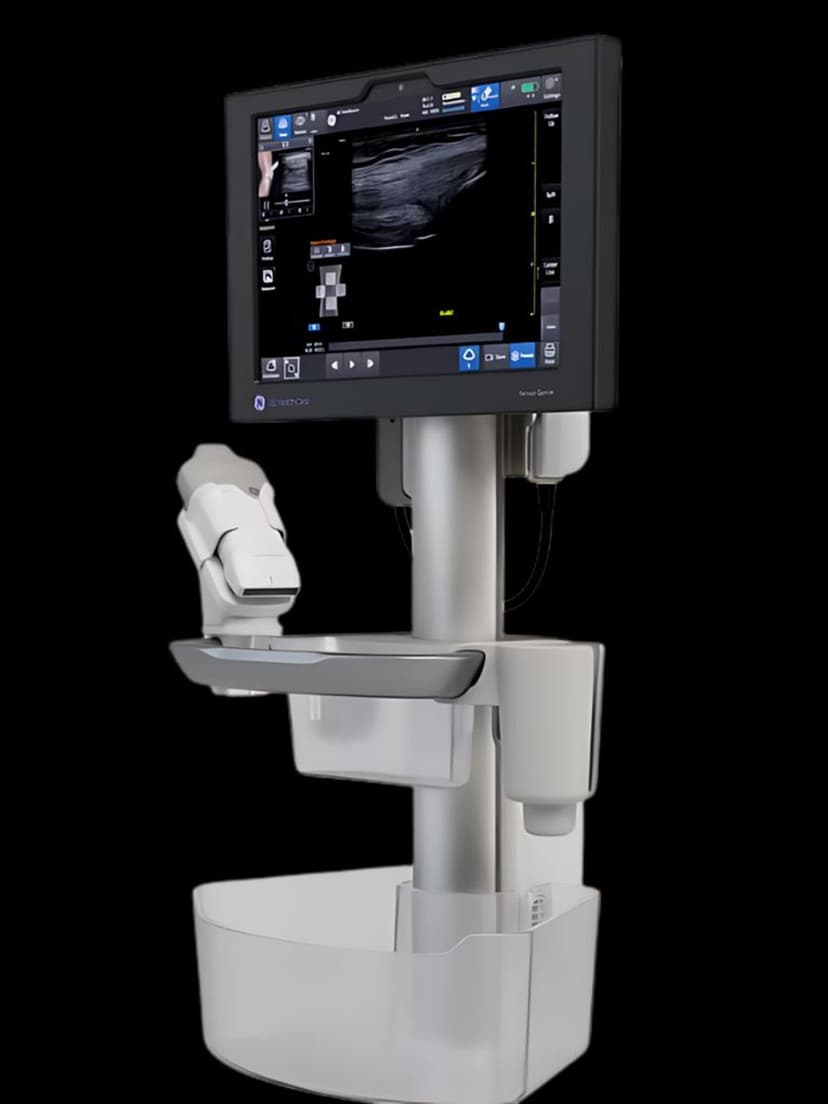
Our Partners


















Want Simple Screen in your practice?
Request a quote for a system that includes this feature.