
GE Ultrasound Feature
SonoRender Start
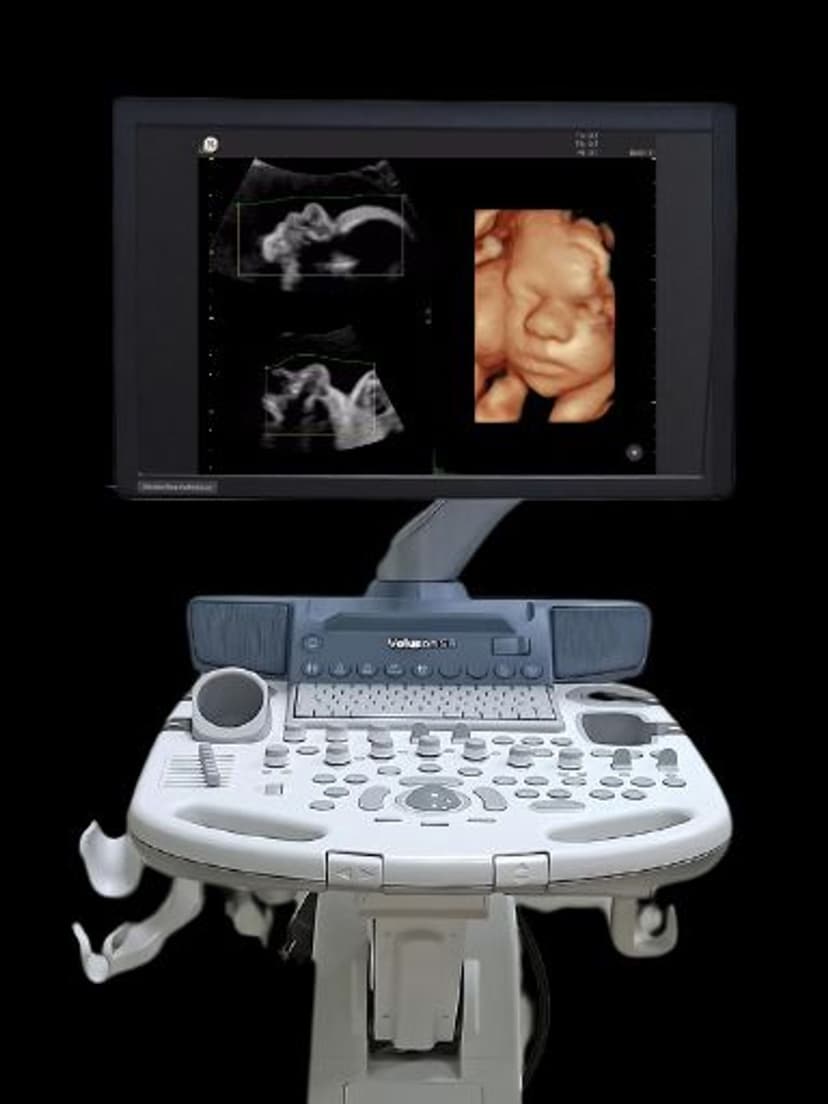
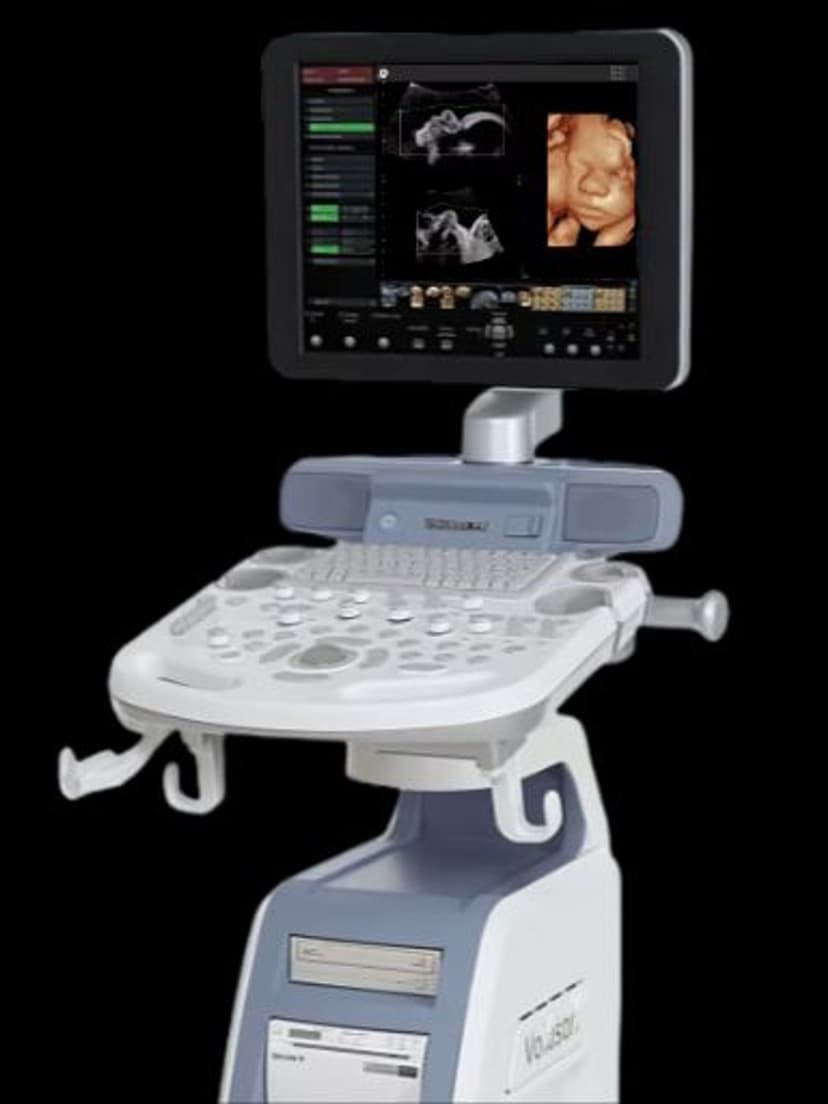
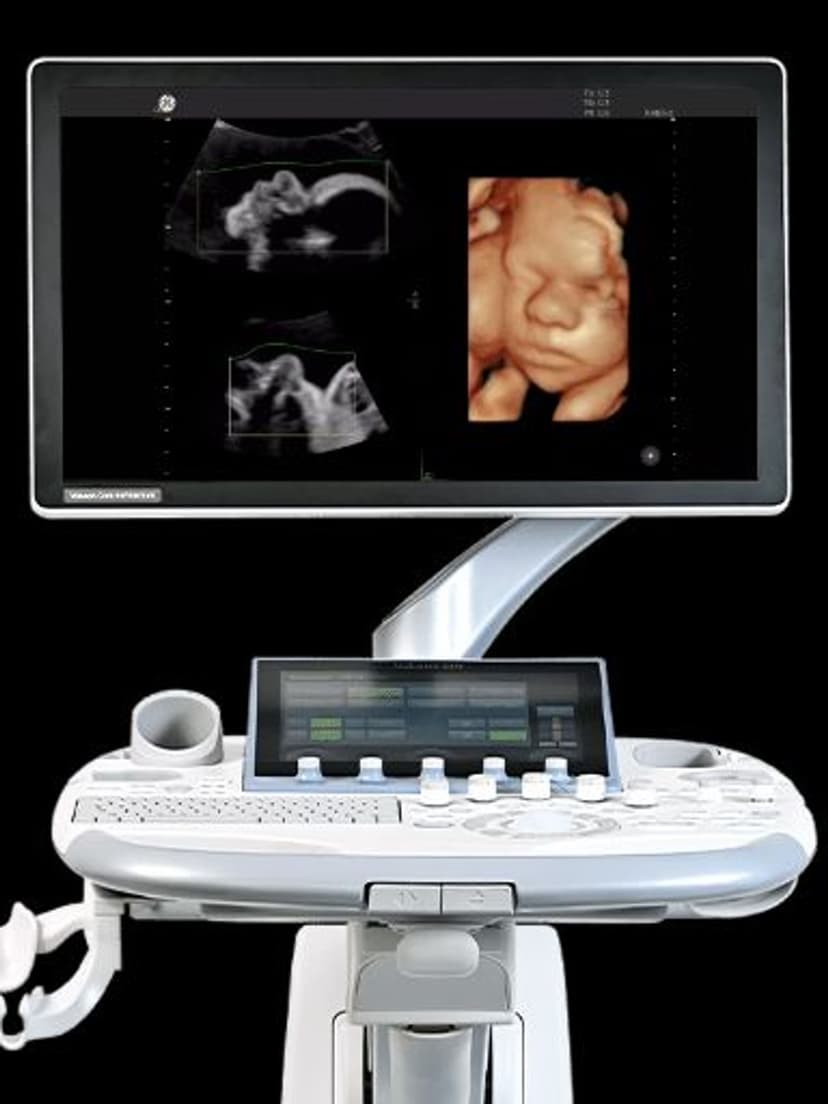
OB/GYNSonoRender Start automates the initial setup of 3D surface rendering on GE Voluson ultrasound machines. When a clinician acquires a 3D volume, the feature automatically positions the render line, selects the optimal threshold, and removes surface artifacts to produce a clear fetal surface image. This eliminates multiple manual steps that traditionally slow down OB exams and vary between operators. OB/GYN practices performing routine anatomy scans and parents expecting keepsake images both benefit from faster, more consistent 3D results.

Key Benefits
Why SonoRender Start matters
Automated render box placement in one click
SonoRender Start detects the fetal surface and positions the render line automatically. What used to take 30-60 seconds of manual adjustment happens in a single button press, freeing the sonographer to focus on anatomy assessment rather than image processing.
Consistent 3D image quality across operators
Manual rendering varies with operator experience. A senior sonographer may produce photorealistic fetal images while a newer tech struggles with render line placement. SonoRender Start standardizes the starting point, so every operator produces diagnostic-quality 3D images from the first attempt.
Better parent engagement during OB exams
Clear 3D/4D images of the fetus are a major part of the prenatal experience for expectant parents. SonoRender Start reduces the awkward wait time while the sonographer adjusts render settings, delivering recognizable fetal images faster and improving patient satisfaction.
Pairs with HDlive for photorealistic rendering
SonoRender Start provides the optimized starting point, and HDlive rendering adds realistic lighting and skin-tone effects. Together, these features produce lifelike fetal images with minimal manual input, making the Voluson platform the standard for obstetric 3D imaging.
About SonoRender Start
Traditional 3D surface rendering requires the sonographer to manually position the render box, adjust the green render line to exclude overlying tissue, set the threshold for surface detection, and fine-tune smoothing and transparency parameters. SonoRender Start performs all of these steps automatically after volume acquisition. The algorithm detects the fetal face or body surface, identifies the optimal cutting plane, and applies render settings calibrated for OB imaging. Clinicians can still refine the result manually, but the automated starting point is typically diagnostic quality. This is particularly valuable during high-volume OB clinics where rendering time per patient adds up. SonoRender Start works with both static 3D volumes and live 4D rendering, and it pairs with HDlive rendering for photorealistic surface images. The feature reduces the skill gap between experienced sonographers who can render quickly and newer staff who may struggle with manual render box placement.
Availability
Available on these systems
Our Partners


















Want SonoRender Start in your practice?
Request a quote for a system that includes this feature.